Level King Pro · DripJobs · Part 2
Get Your Booking Link
Part 1 (webhook) is done ✅ — leads now drop into your board automatically. This last piece lets customers pick their own appointment time, which lands as an appointment request in DripJobs. 3 clicks, about 2 minutes.
1
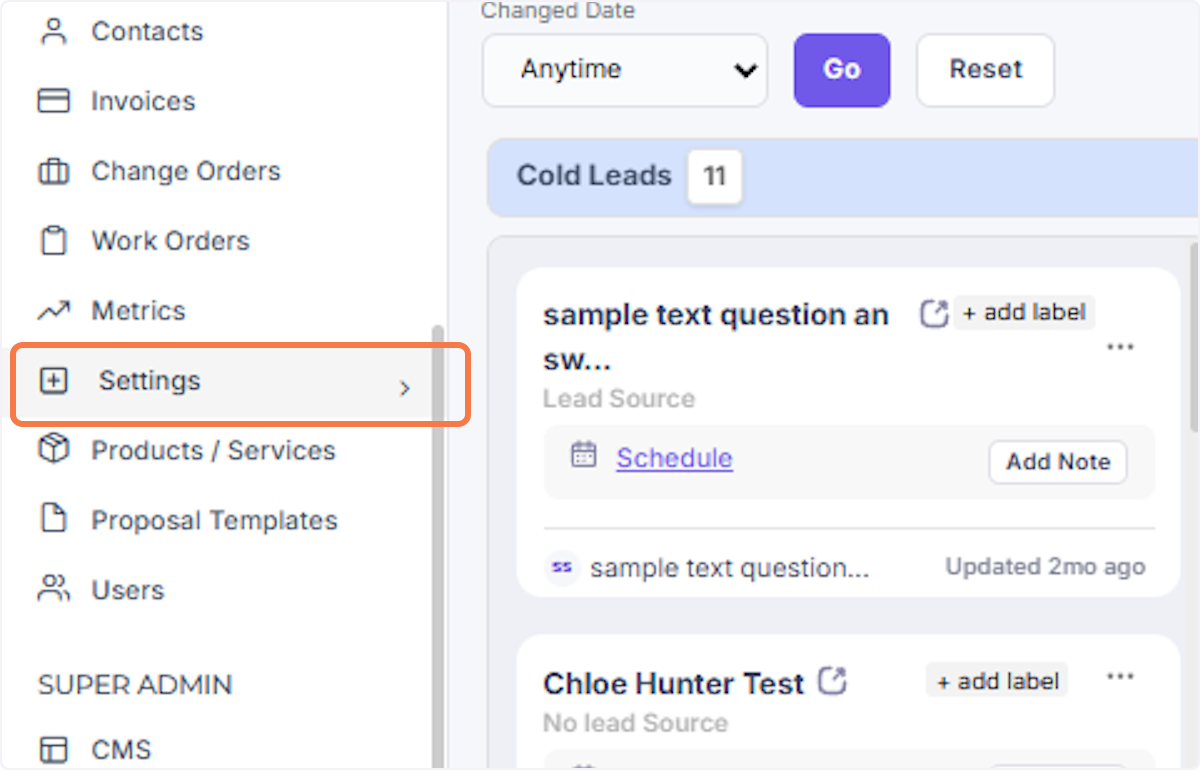
Click Settings in the left sidebar
Same as before — the Settings item in the left nav.
2
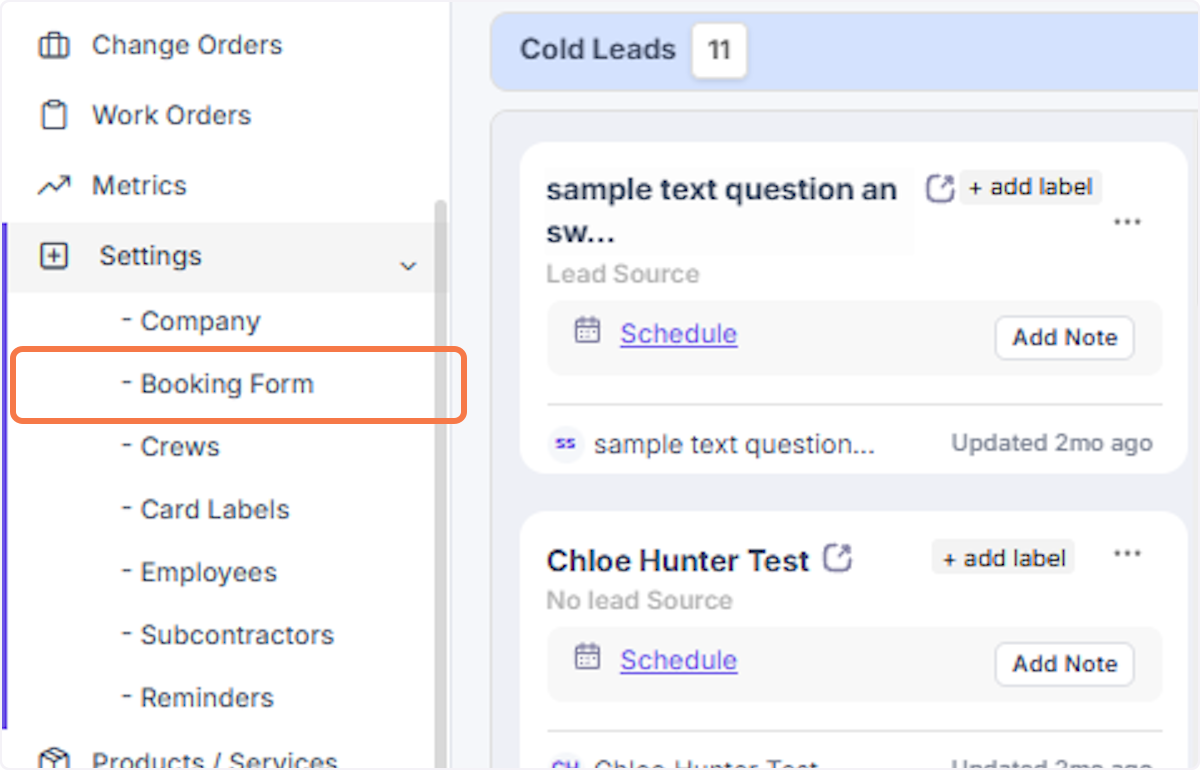
Click Booking Form
It's in the menu that expands, right near Company Settings.
3
Copy your booking link → text it to Akash
On the Booking Form page you'll find your public booking link — it looks like yourcompany.dripjobs.com/appointmentrequests. Copy the whole thing and text it over.

This one's public (customers use it) — no need to keep it secret.
4
Optional: check your availability while you're there
Same page has your available days/times and the questions customers answer when they book — make sure the days you actually run estimates are toggled on.
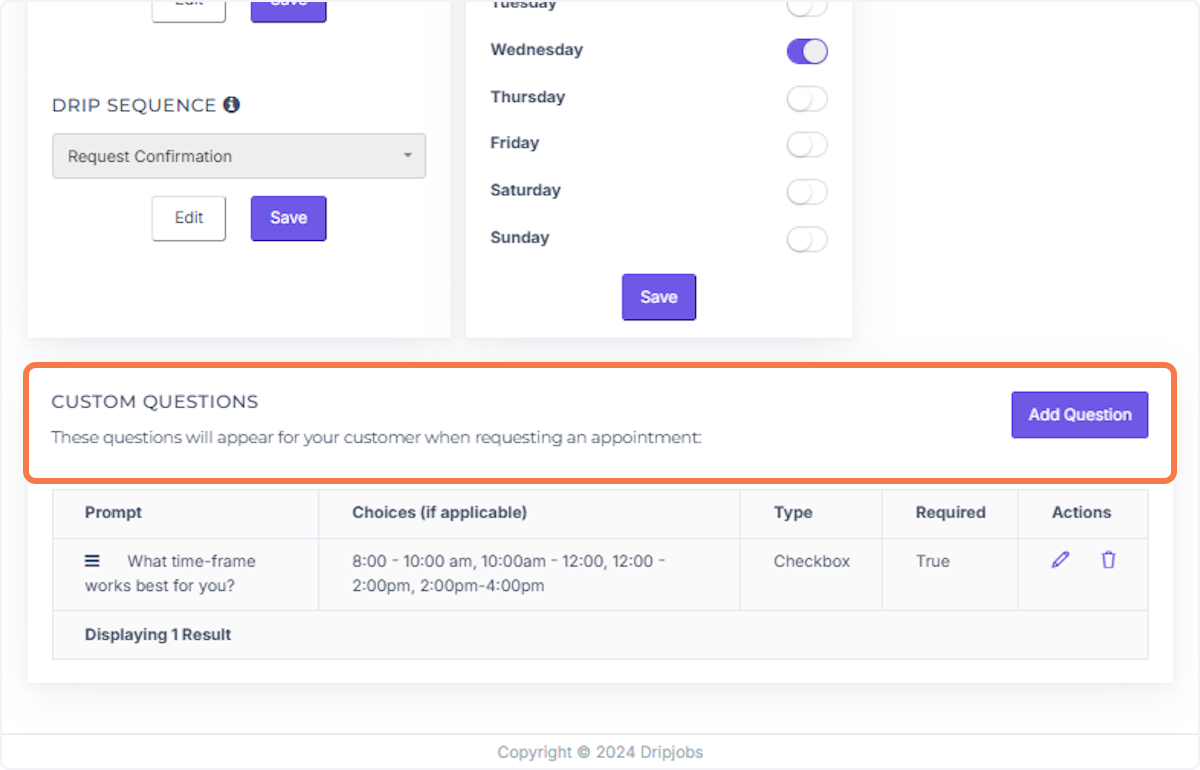
What this gets you: your customers see a clean form (name, phone, address, project details) and pick a day that works for them — and it shows up in DripJobs as an appointment request waiting for your confirm. No more phone tag to schedule estimates.